Key takeaways
- A scale label barcode is split into fields: prefix, product code (SKU) and weight (or price).
- Tell the POS the length of each field once; every label after that scans as product + weight.
- Use the same short SKU on the scale and in the catalogue.
- Selling by weight needs a scale approved for trade in your area.
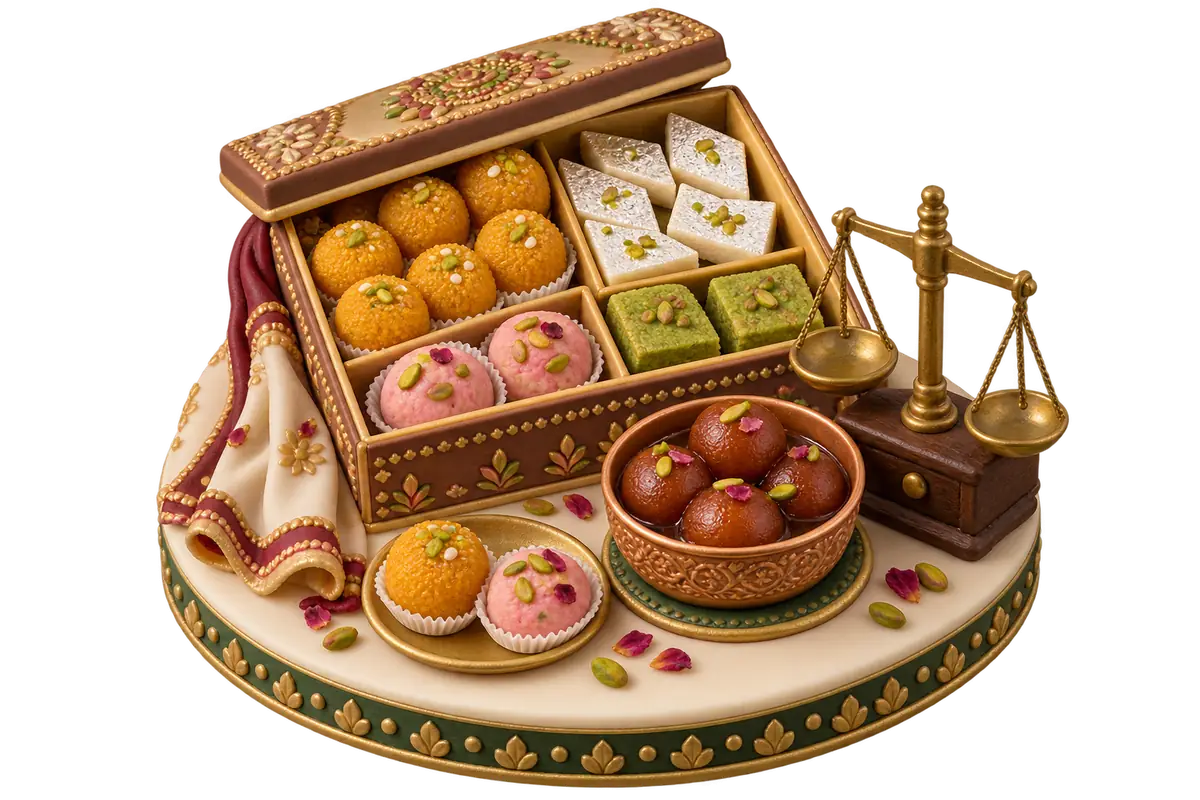
On the night before Eid, a sweet shop in Lahore or Deira can sell more by weight in three hours than in a normal week. The shops that cope are the ones where nobody at the till types a price per kilo. They weigh at the back, the scale prints a label, and the till scans it. Here is how that label works and how to set it up.
What is a scale barcode label?
A scale barcode label is a sticker printed by a weighing scale whose barcode carries which product it is and how much of it was weighed. When the POS scans it, it adds that product at that weight and charges your price per kilo or pound. One scan replaces three manual steps.
How is the barcode built?
The digits are split into fields. In a common in-store format:
| Field | Example | Meaning |
|---|---|---|
| Prefix | 25 | “This is a scale label” |
| Product code (SKU) | 1042 | Pista barfi |
| Weight — whole part | 00 | 0 kg |
| Weight — decimals | 75 | .75 kg |
So 2510420075 reads as 0.75 kg of product 1042. Some scales add a check digit at the end; some use five-digit product codes or three decimal places. What matters is that the POS knows the lengths.
Barcodes whose first digit is 2 are reserved for use inside a store, which is why scale labels usually start with 20–29 and never collide with packaged-goods barcodes.
How do you set it up in the POS?
- Find your scale’s label format. In the scale’s settings or manual: the prefix (flag), item code length, and whether it encodes weight or price, with how many decimals.
- Enter the format in the POS. In GetBakeryPOS: prefix, SKU length, and the number of digits before and after the decimal point. See weighing scales to try a label in the decoder.
- Match product codes. Give each weighed product the same short code on the scale (often called PLU) and in your catalogue.
- Set price per unit. The product’s price is per kilo (or pound).
- Test with one product: weigh, print, scan, and check the line on the receipt.
Weight or price in the barcode?
- Weight-embedded labels let the POS apply today’s price, apply customer discounts, and track kilos sold per product. Recommended.
- Price-embedded labels lock the price at weighing time. Useful if the scale holds your price list and you want the till to just charge what’s printed.
Kilos or pounds?
Use whatever your scale prints and your customers expect: kilos in the UAE and Pakistan, pounds in the US. Don’t mix units inside one product.
Common problems and fixes
- Scans as “product not found”: the SKU in the catalogue doesn’t match the scale code (check leading zeros).
- Weight ten times too big or small: the decimals setting is wrong.
- Scans as a normal barcode: the prefix isn’t set, or doesn’t match what the scale prints.
- Labels smudge: use the scale maker’s recommended direct-thermal labels and clean the print head.
Is it legal to sell by weight with any scale?
When you sell by weight, the scale must be approved for trade under local weights-and-measures rules — in the US commonly an NTEP-approved device inspected by your state or county; in the UAE and Pakistan, follow local metrology rules. This is about the scale itself; the POS just reads its labels.
Why it matters at peak times
Separating weighing from paying is what keeps a queue moving on Chaand Raat or the last nights of Ramadan. One person weighs and boxes; another scans and takes payment. Every line carries its exact weight, and the evening report shows kilos sold per sweet.
Setting up for Eid? See the bakery pre-order calendar for dates, and Lahore and Dubai guides for local context. For devices, read the hardware guide.
Written by
Editorial team, GetBakeryPOS
The team that writes GetBakeryPOS guides: season checklists, deposit policies, scale setup and switching guides.
Works from the product's own documentation and setup sessions with bakeries in the US, UAE and Pakistan