
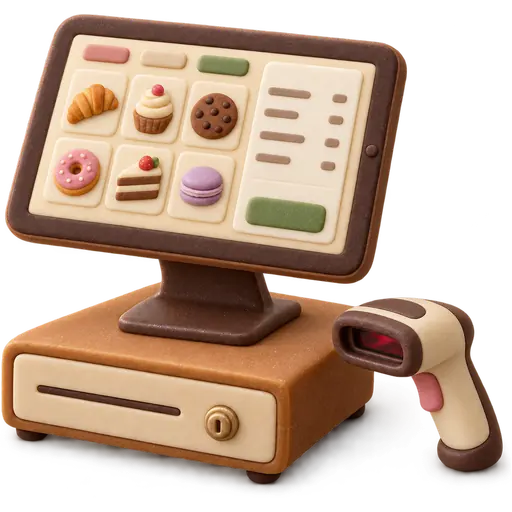
Tablet, laptop or PC
Runs the POS in a browser.
Hardware guide
Everything that sits on a bakery counter, what it does, how it connects and what works. We don’t sell hardware — so this guide has no reason to upsell you.
Device by device
Runs the POS in a browser.

Prints receipts, pre-order slips and kitchen copies.

Prints product, shelf and box labels with dates and barcodes.

Weighs and prints a barcode with product and weight.

Scans product barcodes and scale labels.

Opens on cash sales.

Takes card and wallet payments.
Shows café orders and the production list.
Brand names are trademarks of their owners and are listed only to describe compatible device types. Extra registers: $12/mo on Counter and Bakehouse.
Tablet, receipt printer, cash drawer, your processor’s card terminal.
Add a label scale and a stand-mounted scanner. Weigh in the back, scan at the front.
Add a label printer for box labels with pickup date and lot, and a second tablet for the decorator.
At minimum a tablet or computer and a receipt printer. Most bakeries add a cash drawer, a barcode scanner and a label printer; shops that sell by weight add a label scale; and you need a card terminal from your processor.
No. Buy from any supplier you trust; this guide lists the kinds of devices that work. Bring model numbers to your demo and we will check them.
It varies by market and supplier. A tablet, receipt printer and drawer is the usual starting kit; scales and label printers are the bigger purchases. Reusing what you already own is often possible.
Very likely, if they are standard devices (ESC/POS receipt printers, USB scanners). Devices locked to another POS vendor’s software will not work.
The scale prints a barcode carrying the product code and the weight; the register reads it. See weighing scales.
Counter includes one, Bakehouse three, Commissary unlimited. Extra registers can be added on Counter and Bakehouse.
Yes, in a mobile browser — handy for taking pre-orders at a market stall or checking stock. For the counter a tablet is easier.
The terminal from your own payment processor. We do not process payments or take a percentage.
No question matches that. Try another word, or ask us on the demo.
The bakery toolkit
 Pre-orders & depositsPickup dates, deposits and balances on every order. Rosca de Reyes · Counter+
 Custom cake ordersSize, flavour, inscription and reference photos on one order. Valentine's & weddings · Bakehouse+Weighing scalesScale labels scan straight into the sale, priced by weight. Ramadan sweets by the kilo · Counter+Daily production listsTomorrow's bake list from pre-orders plus par levels. Mother's Day week · Bakehouse+
 Expiry & lot trackingBatch lots, sell-by dates, first-expiring sold first. Eid mithai boxes · Bakehouse+
 Recipe costingTrue cost per piece, wastage included. Mooncake season · Bakehouse+
 Wholesale accountsCafé and restaurant accounts on price lists and terms. Back-to-school standing orders · Commissary+
Where we sell
Recent
Popular searches
Press / or Ctrl K to search · ↑ ↓ · Enter

Nothing on that tray.
Try one of these instead:
Display & accessibility